
The Voyager admin (CMS)
The Voyager admin ({backend}/admin) is the Laravel back-office — the “CMS Admin Dashboard” in
the credentials file. It is not a React SPA; it is the tcg/voyager admin bolted onto the Laravel
backend, and it is where staff manage the catalog, the personas, broker onboarding, commerce, and the
CMS content the public apps read.
Everything here is a BREAD (Browse / Read / Edit / Add / Delete) over an Eloquent model, so the list you see maps almost one-to-one to the data model.
The dashboard & menu
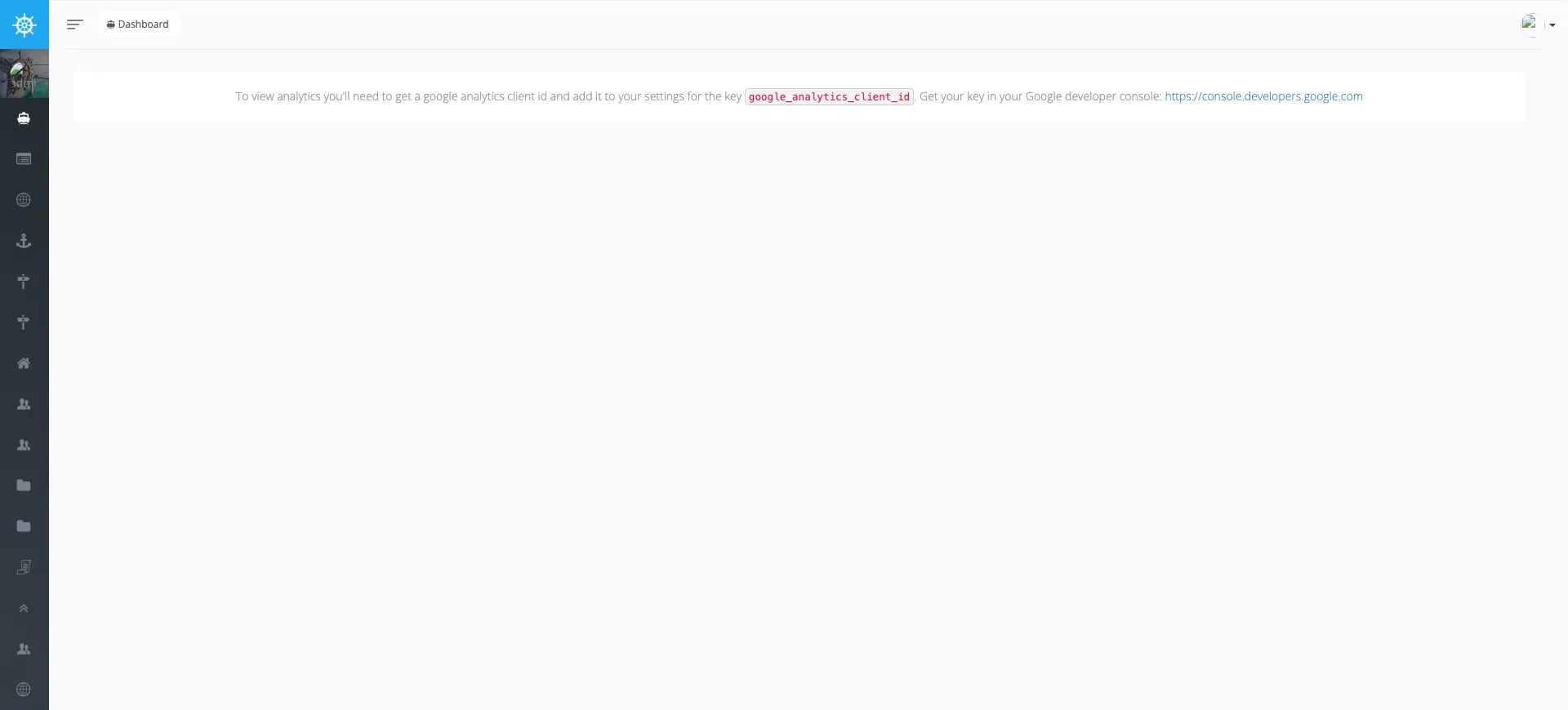
Section titled “The dashboard & menu”The landing dashboard and the left menu — the menu is the fastest map of what the back-office manages (40+ BREADs).
The is_published model — the core concept
Section titled “The is_published model — the core concept”CRM- and catalog-sourced records follow a publish gate: a row is created with
is_published = false, an admin enriches the fields the source doesn’t supply, and only then flips
is_published = true. Only published rows ship to the public APIs. You can see it directly in the
Destinations BREAD — an unpublished row shows a green Publish button, a published row shows a red
Unpublish, and there is a Bulk Publish / Bulk Unpublish pair at the top:
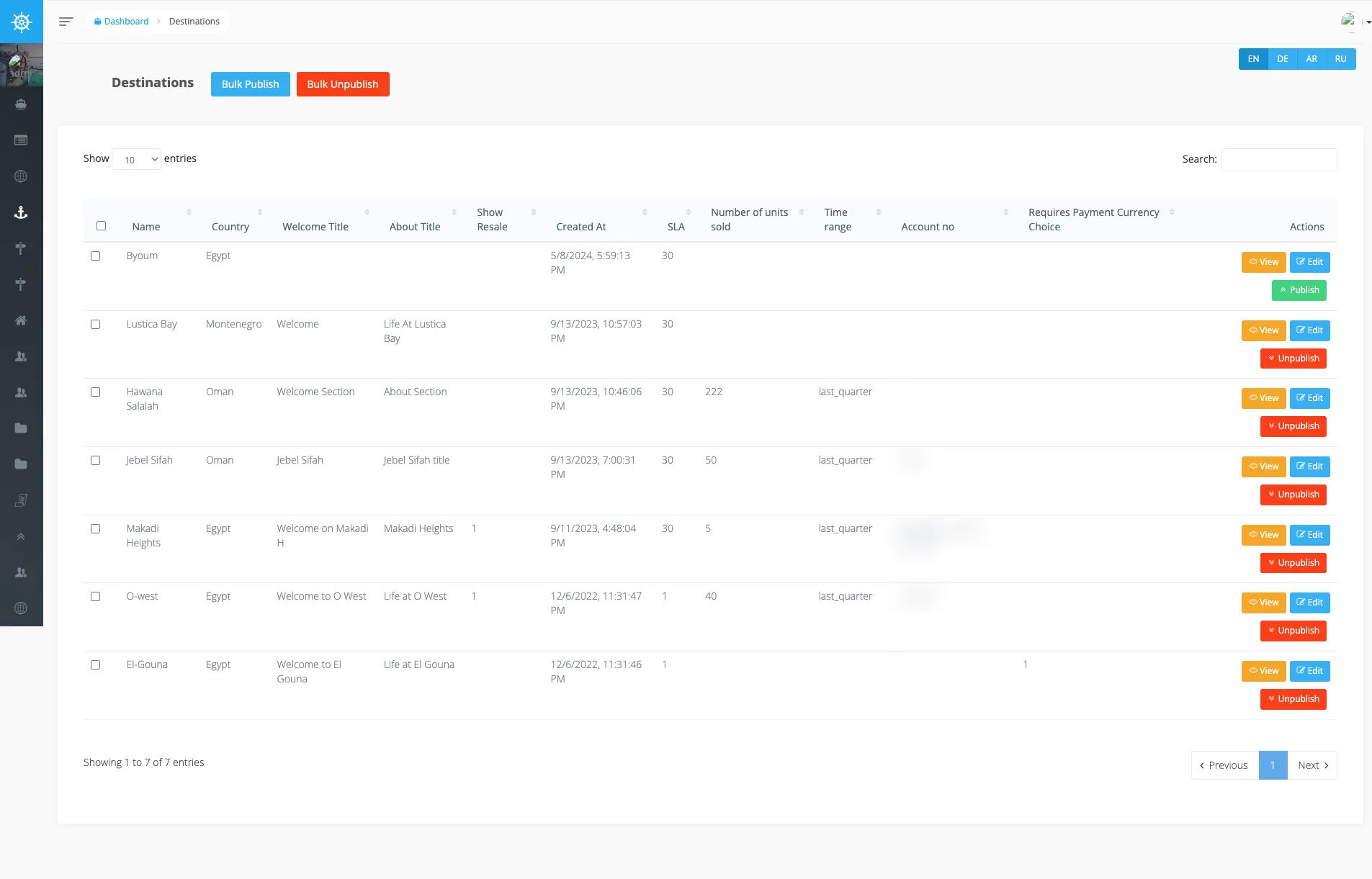
The EN / DE / AR / RU tabs at the top of a BREAD switch the locale of the translatable fields — content can be published in one language and empty in another.
The catalog
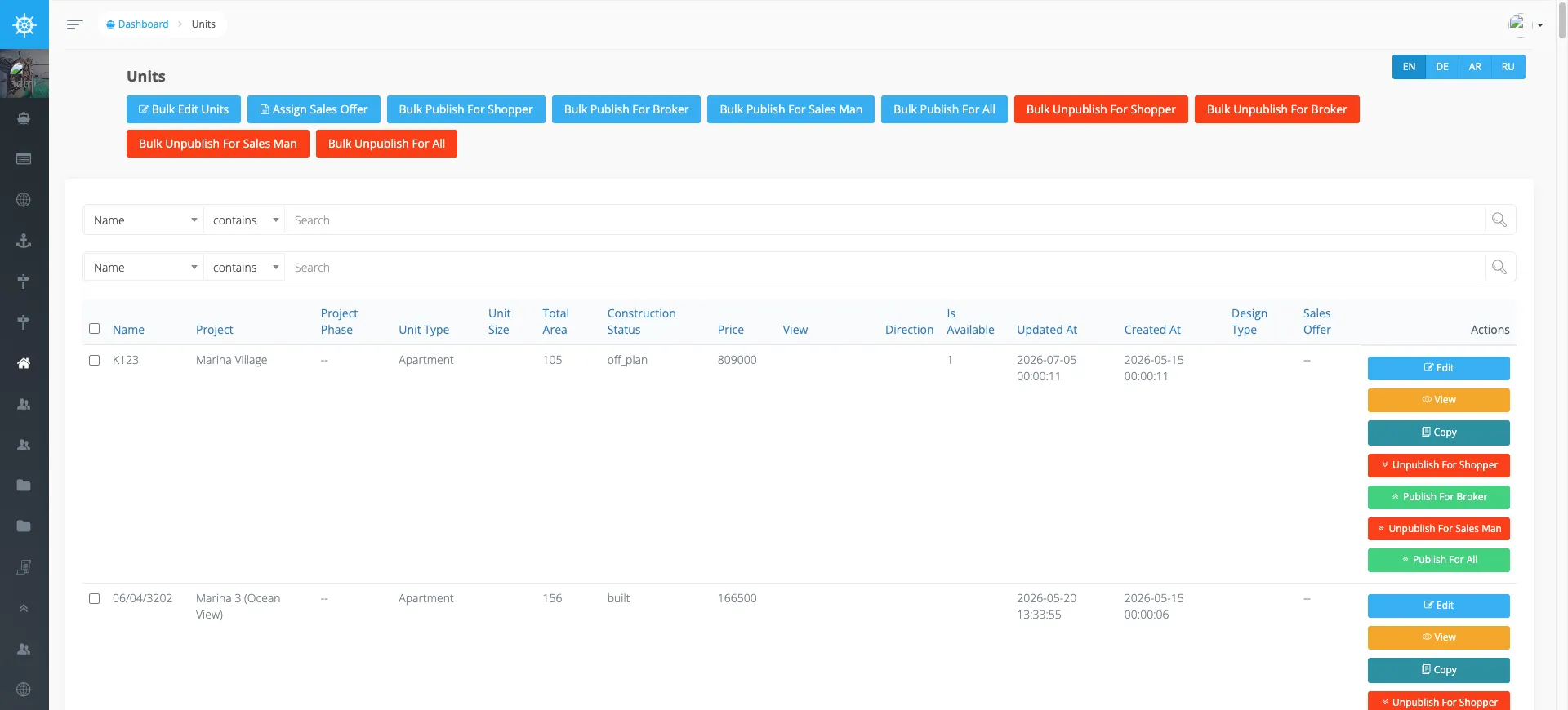
Section titled “The catalog”The sellable inventory is a tree of BREADs: Countries → Destinations → Projects → Project Phases → Units, with Unit Types, Project unit types, Floorplans, and Facilities hanging off it. The Units BREAD is the leaf — every sellable unit with its project, type, size, price, availability, and sales-offer:
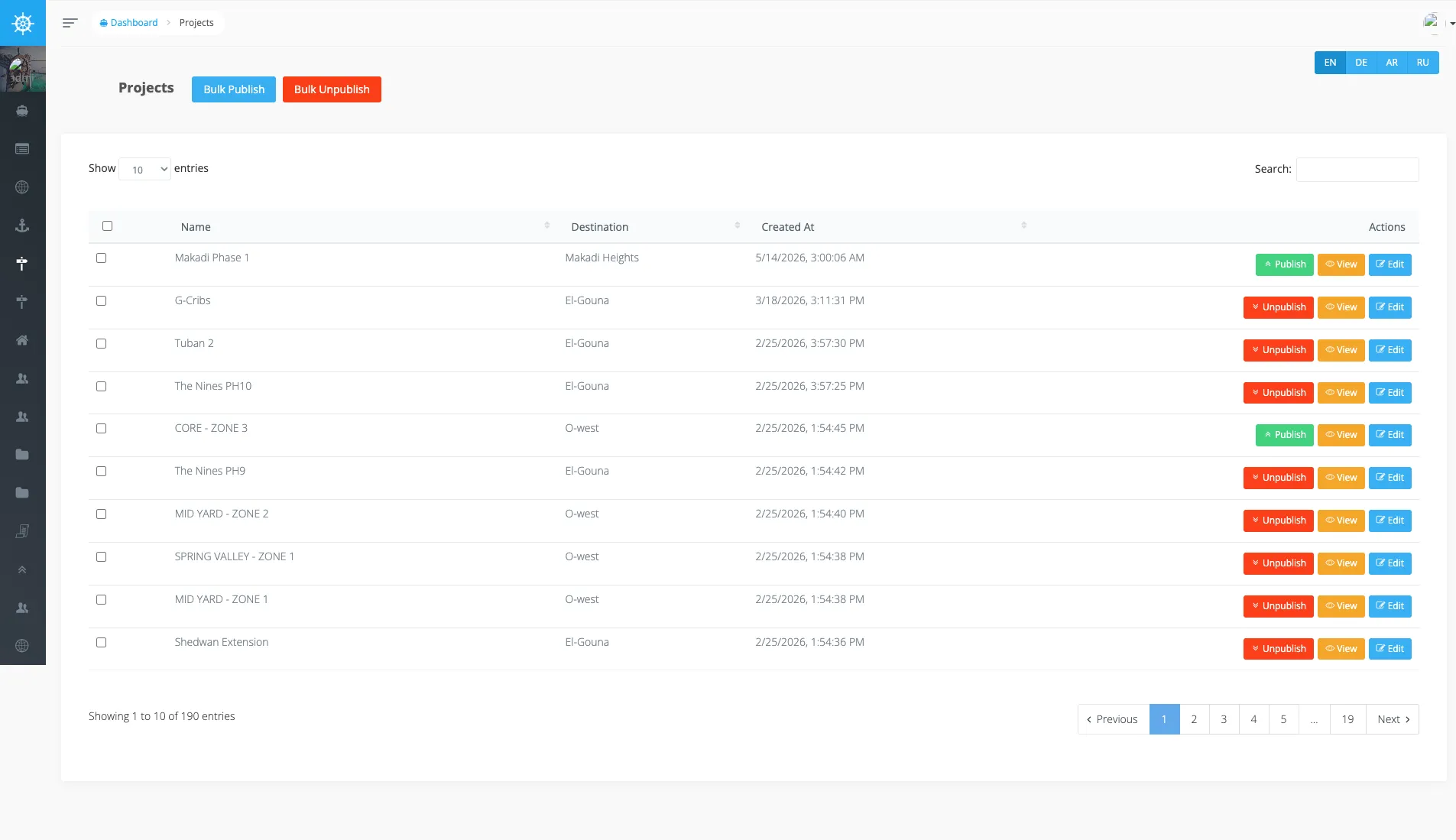
One level up, the Projects BREAD groups units under a destination:
Personas & broker onboarding
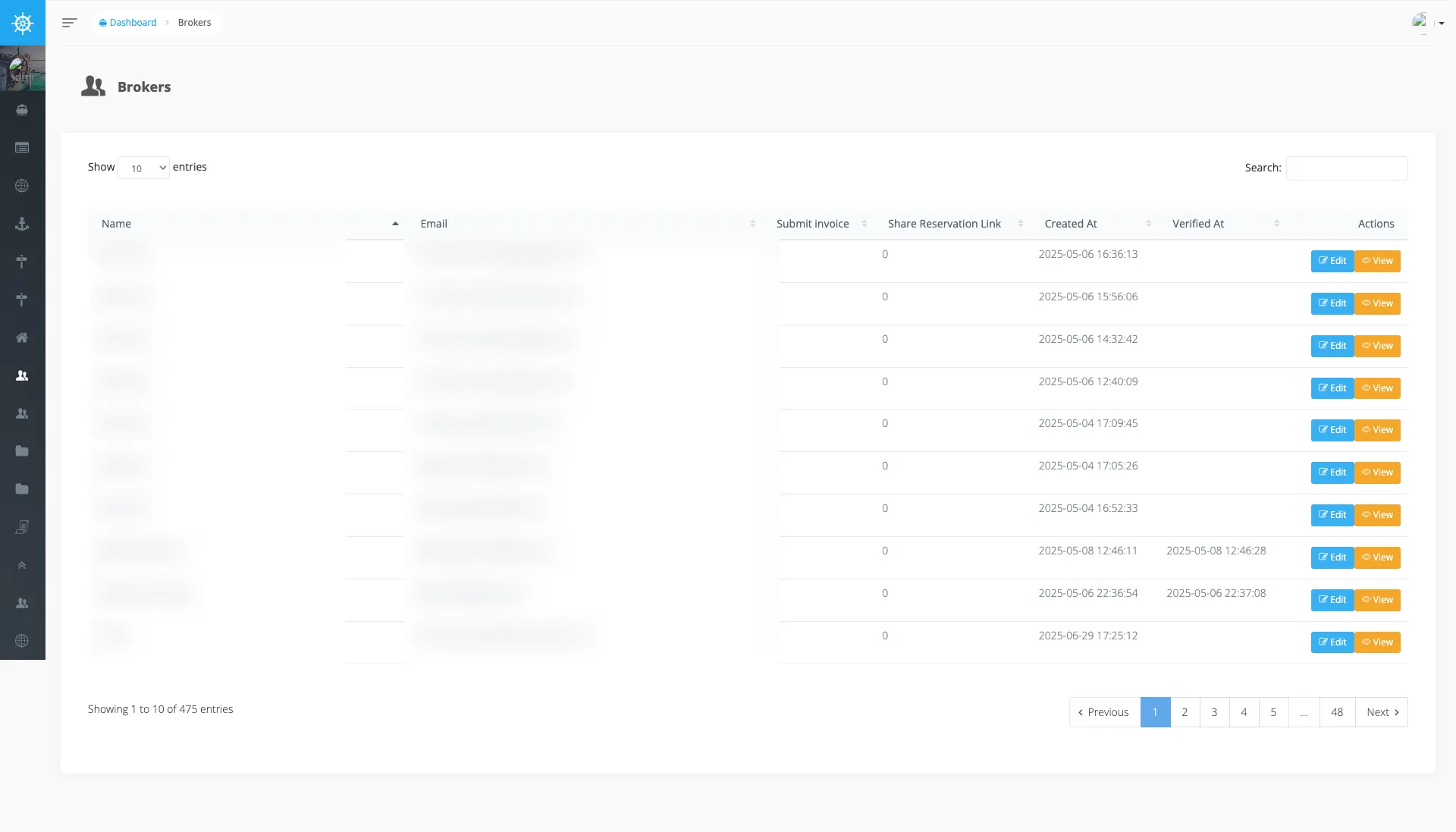
Section titled “Personas & broker onboarding”The back-office also administers the people. Dashboard roles — Moderators, Editors, Financers, Sales Manager, Viewers — plus Brokers, Sales consultants, and SalesMan. The Brokers BREAD manages the external broker accounts (the environment these screenshots came from carried 475 of them):
Broker onboarding has its own set: Broker applications, Registration templates, Broker
Domains, and Broker Whitelisted Emails — the whitelist and domain gating behind the
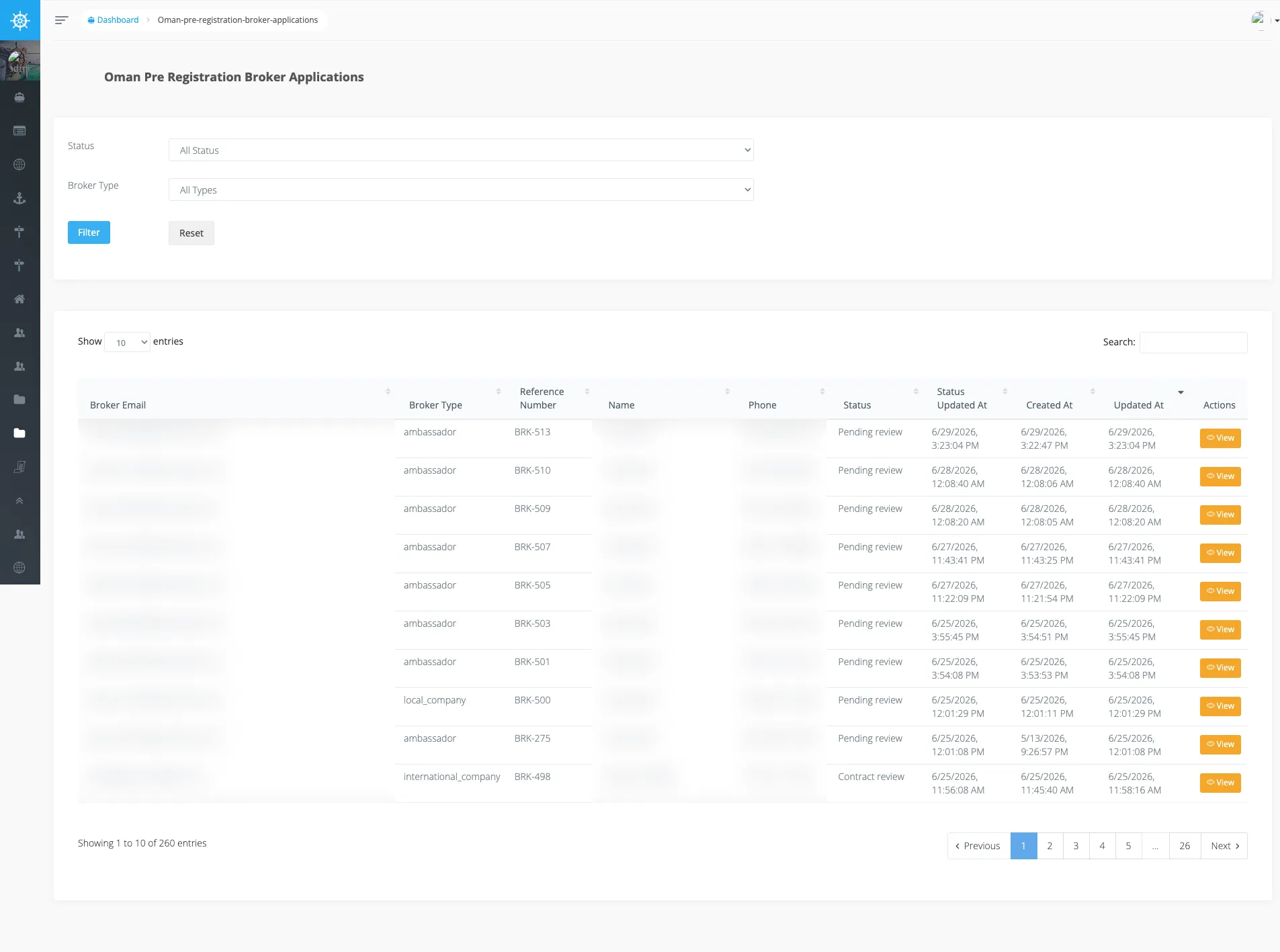
Oman broker pre-registration flow. The Oman broker
applications BREAD is the reviewer side of that flow — filter by status/type, and each row’s status
(Pending review, Contract review, …) drives the renewal & resubmission
lifecycle:
Commerce
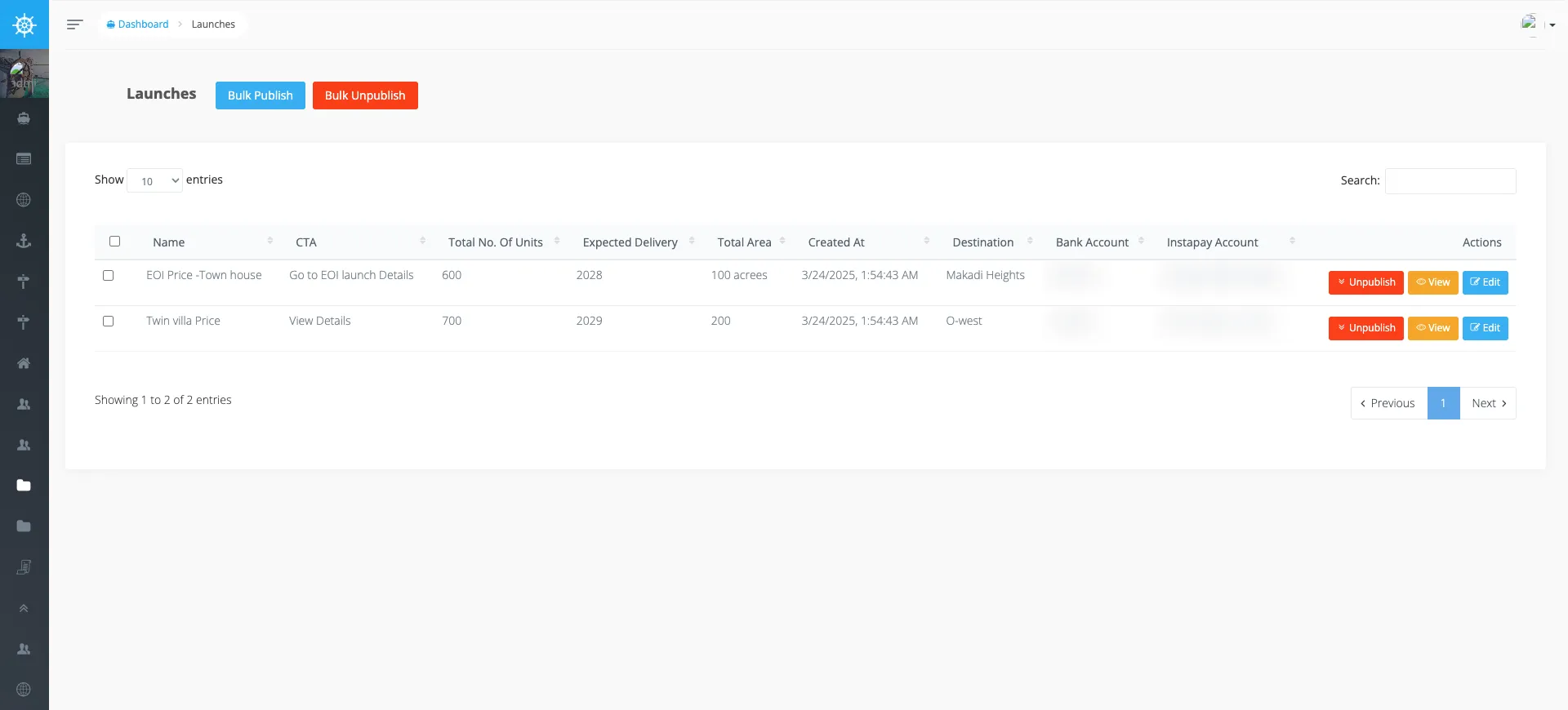
Section titled “Commerce”Launches group the projects/unit-types being released and carry the payment rails — each launch references a Bank Account and an Instapay Account:
Alongside: Sales Invoices (broker commission invoices), Bank Accounts, Sales Offer Base
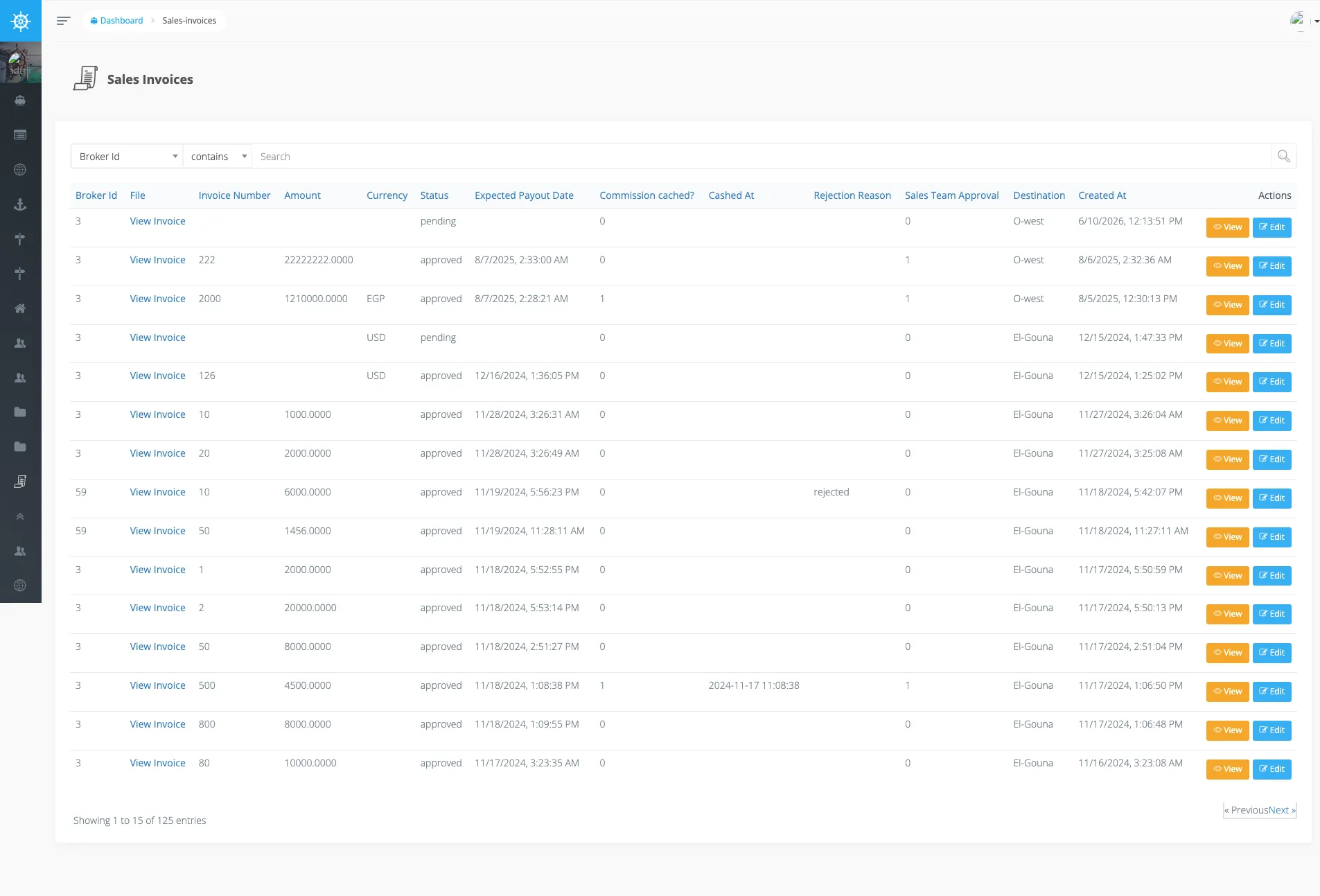
Pdfs (templates for the generated sales offers), Promotions, Offers, and Addons. The
Sales Invoices BREAD is where admins review a broker’s commission invoice — the Status,
Sales Team Approval, Commission cached?, and Expected Payout Date columns drive the
commissions flow:
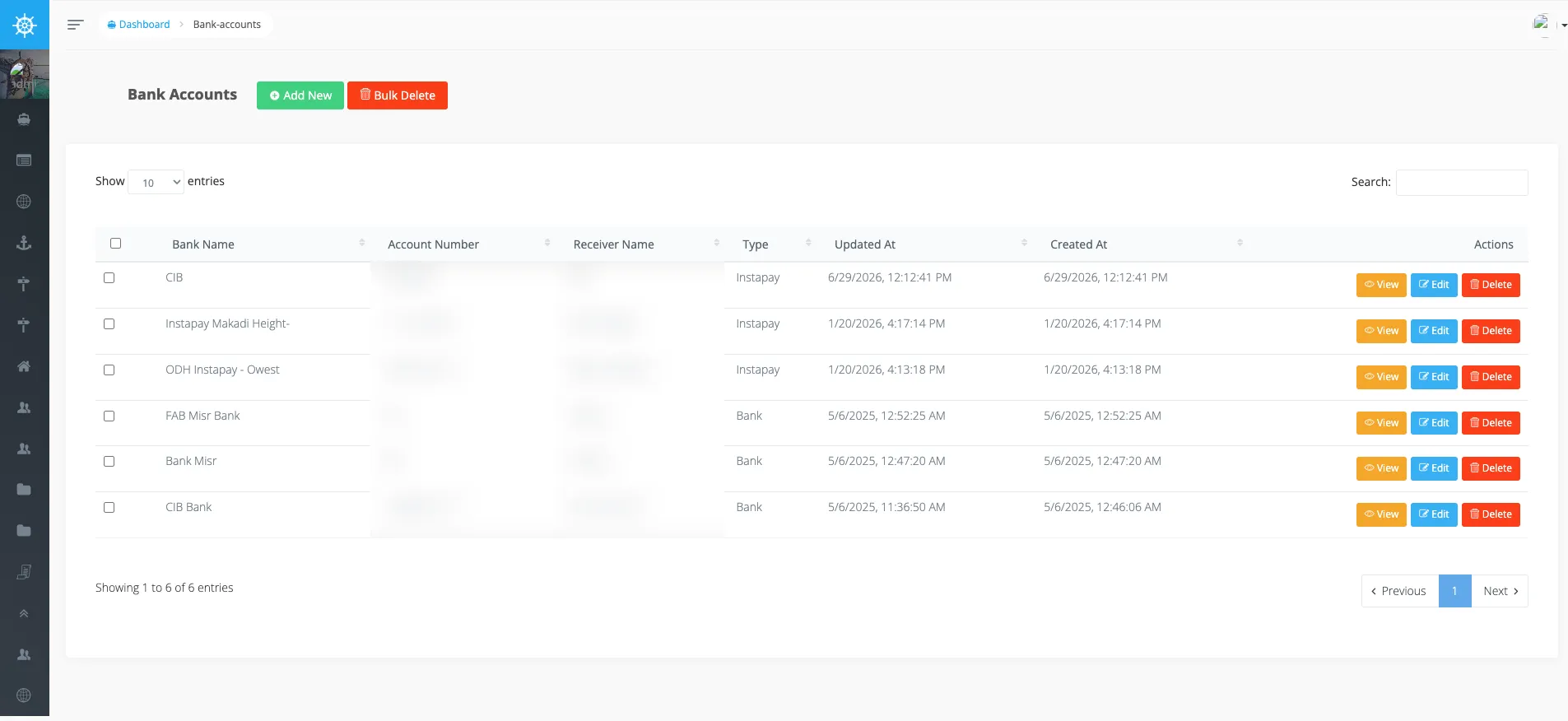
The Bank Accounts BREAD holds the payment rails a launch points at — each row is a Bank or an
Instapay account (Type), used for the EOI bank-transfer / Instapay payment options:
Content the public apps read
Section titled “Content the public apps read”The customer-facing content is CMS-managed here: Pages, Custom Pages (the shopper’s
/highlights/:slug), News, Testimonials, Educational Hubs, Construction Updates,
Email templates, Access Cards, and Tags. This is what the Shopper app
pulls through its pages / custom-pages endpoints.