
The Shopper app
The Shopper app (apps/orascom-shopper-app) is the only customer-facing portal — everyone
else in this platform is internal staff or brokers. A shopper browses destinations and units,
reserves and pays online, pays an EOI holding fee, and — after buying — lives in a separate
post-purchase Pre-Delivery owner area (payments, add-ons, services, referrals, resale).
The app at a glance
Section titled “The app at a glance”- Entry:
src/main.tsxinits Sentry then rendersI18nextProvider→QueryClientProvider(React Query) →HelmetProvider+ToastContainer(main.tsx:52-87).src/app/app.tsxwrapsUSER_CONTEXT→UNIT_COMPARE_CONTEXT→CUSTOM_PAGES_CONTEXT→CurrencyContextaround the router (app.tsx:155-170). - Router:
basename = process.env['NX_SHOPPER_PATH'] ?? '/'(routes.tsx:552). - 42 routes / screens: 4 auth/payment + 21 main + 17 pre-delivery (plus a
*404 catch-all). - Two endpoint maps (
src/api/endpoints.ts): the publicENDPOINTS(prefixNX__SHOPPER_ENDPOINT_PREFIX) andPRE_DELIVERY_ENDPOINTS(prefixNX__PRE_DELIVERY_ENDPOINT_PREFIX) — both over base hostNX__API_ENDPOINT.
Sign-in — phone + OTP
Section titled “Sign-in — phone + OTP”The shopper authenticates with phone + one-time code (sendOtp → login), and can self-register
(/register, phone + OTP). This is the mirror image of the agent apps: for an EOI the shopper never
logs in — they only open the emailed/SMSed payment link and pay (see
Submitting an EOI). Like every app here, there is no refresh token.
Browse → reserve → pay
Section titled “Browse → reserve → pay”The public, pre-purchase journey — most of it works without logging in; reserving requires auth.
-
Browse the inventory.
/available-units(pages/available-units) lists units with filters, fed by React Query; destinations, country pages, and an interactive masterplan surround it.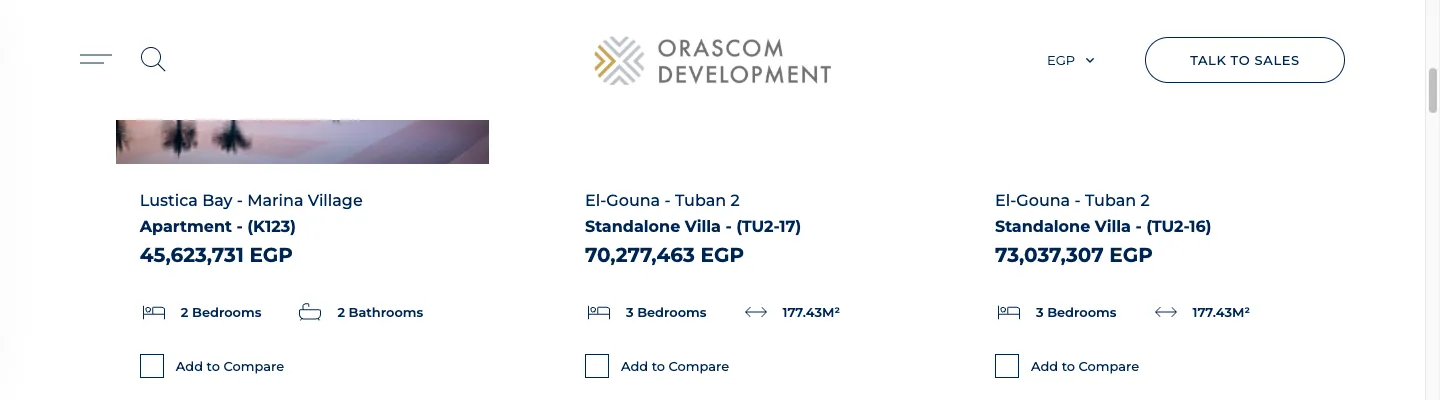
-
Open a unit.
/unit-details/:unitId(pages/unit-details) shows media, the payment plan, and the reserve CTA;/similar-units/:unitId/:priceand/compare-propertiessit alongside.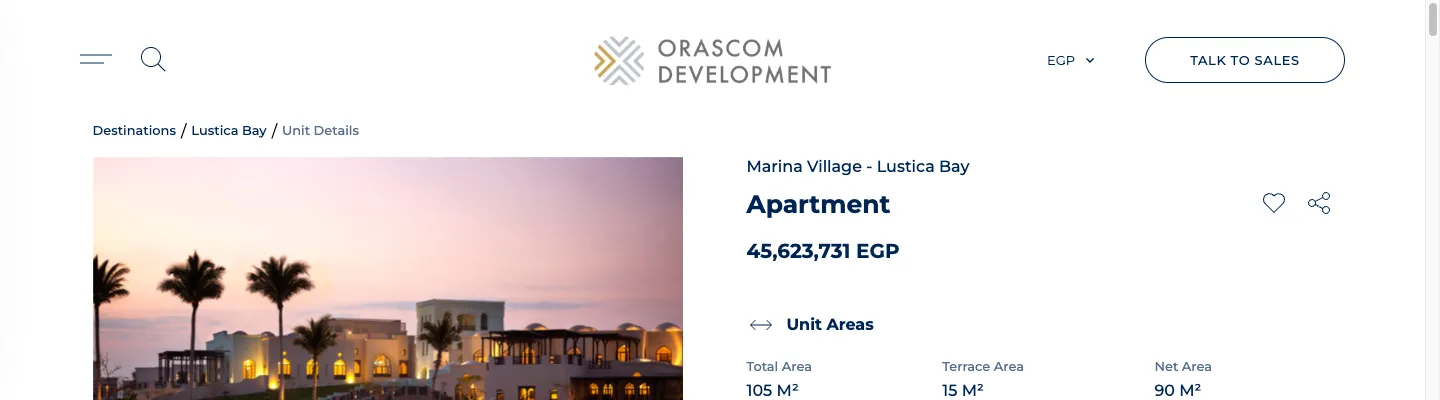
-
Reserve & pay.
/reserve-unit/:unitId(pages/reserve-property) is the multi-step reservation + online payment flow. The end-to-end money path is documented in Shopper buys a unit and The online payment pipeline. EOI holding fees are paid at/pay-eoi/:launchId/:eoiId.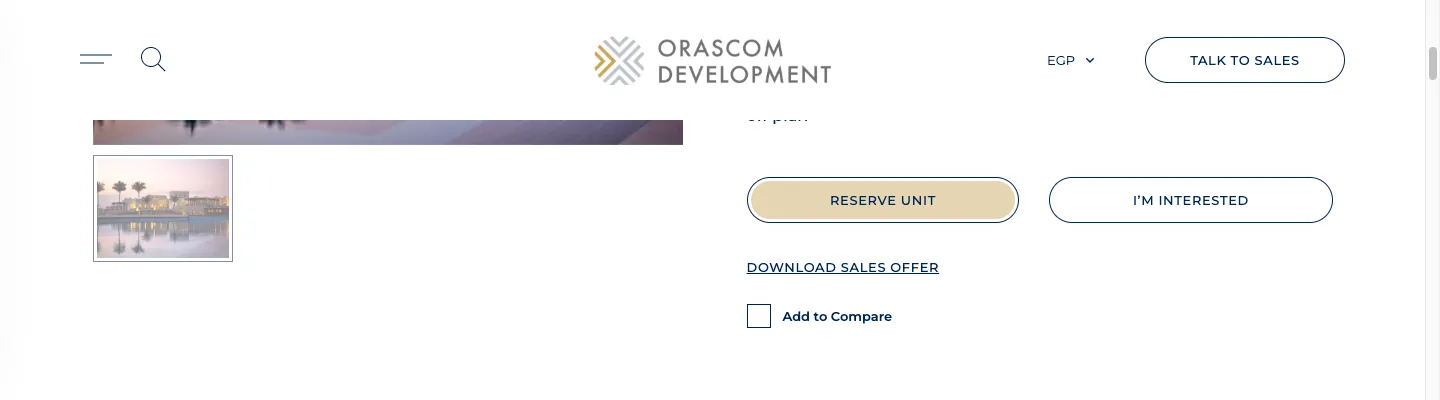
The authenticated shopper
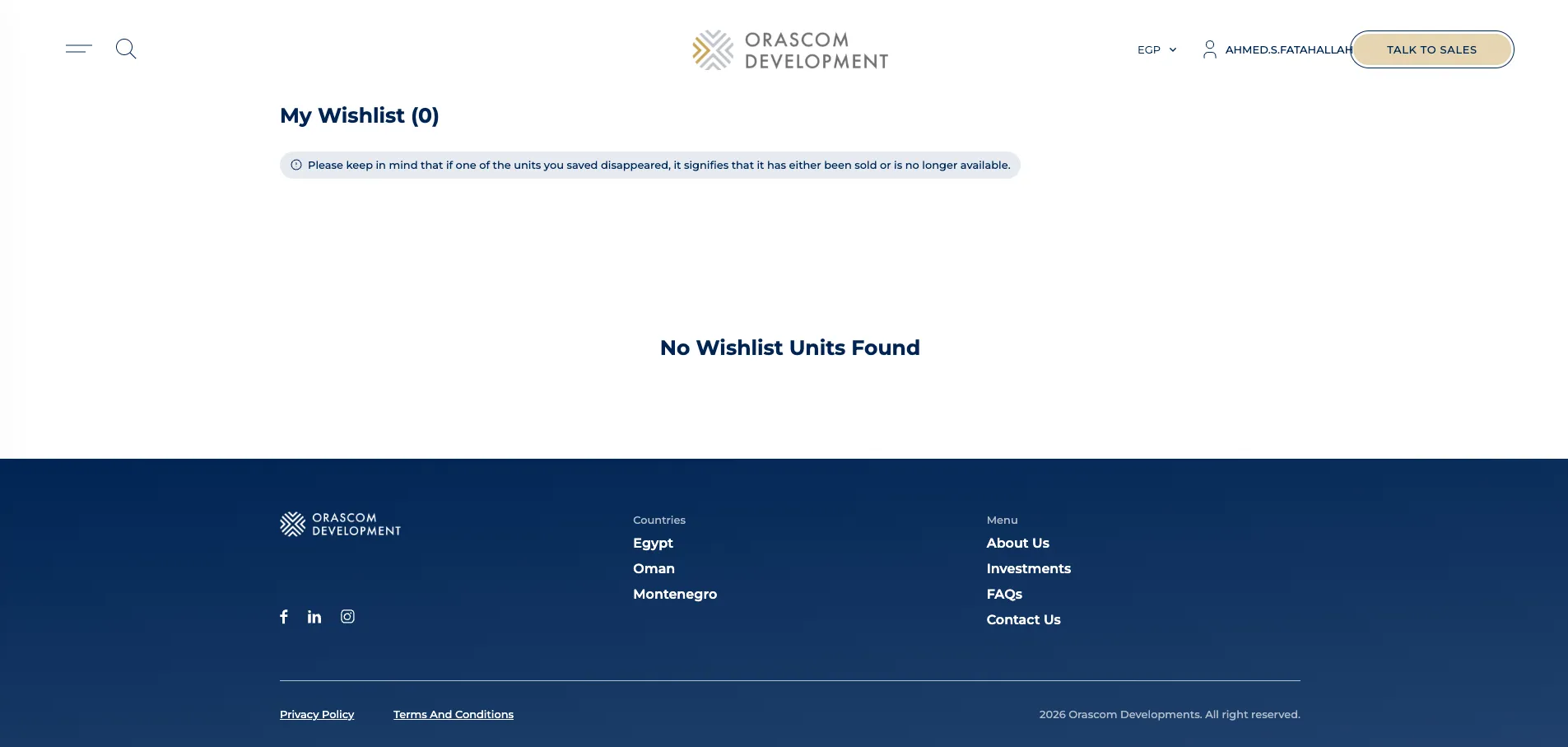
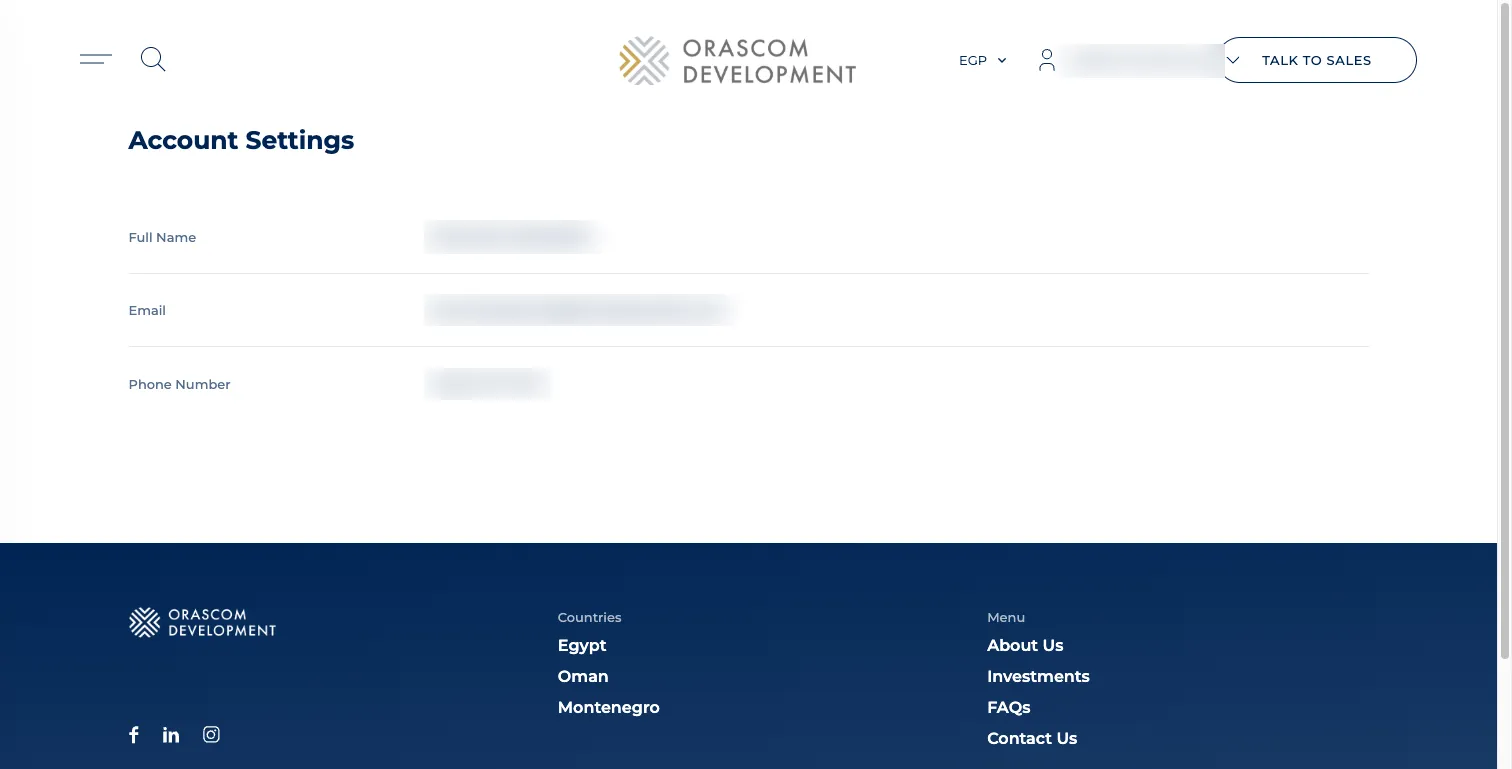
Section titled “The authenticated shopper”Once logged in, the shopper gets a Wish List and Account Settings, plus the whole Pre-Delivery area below.
Pre-Delivery — the post-purchase owner area
Section titled “Pre-Delivery — the post-purchase owner area”After a shopper buys, they enter a separate layout group (PreDeliveryLayout, prefix
NX__PRE_DELIVERY_ENDPOINT_PREFIX) — an owner portal for everything that happens between purchase and
handover.
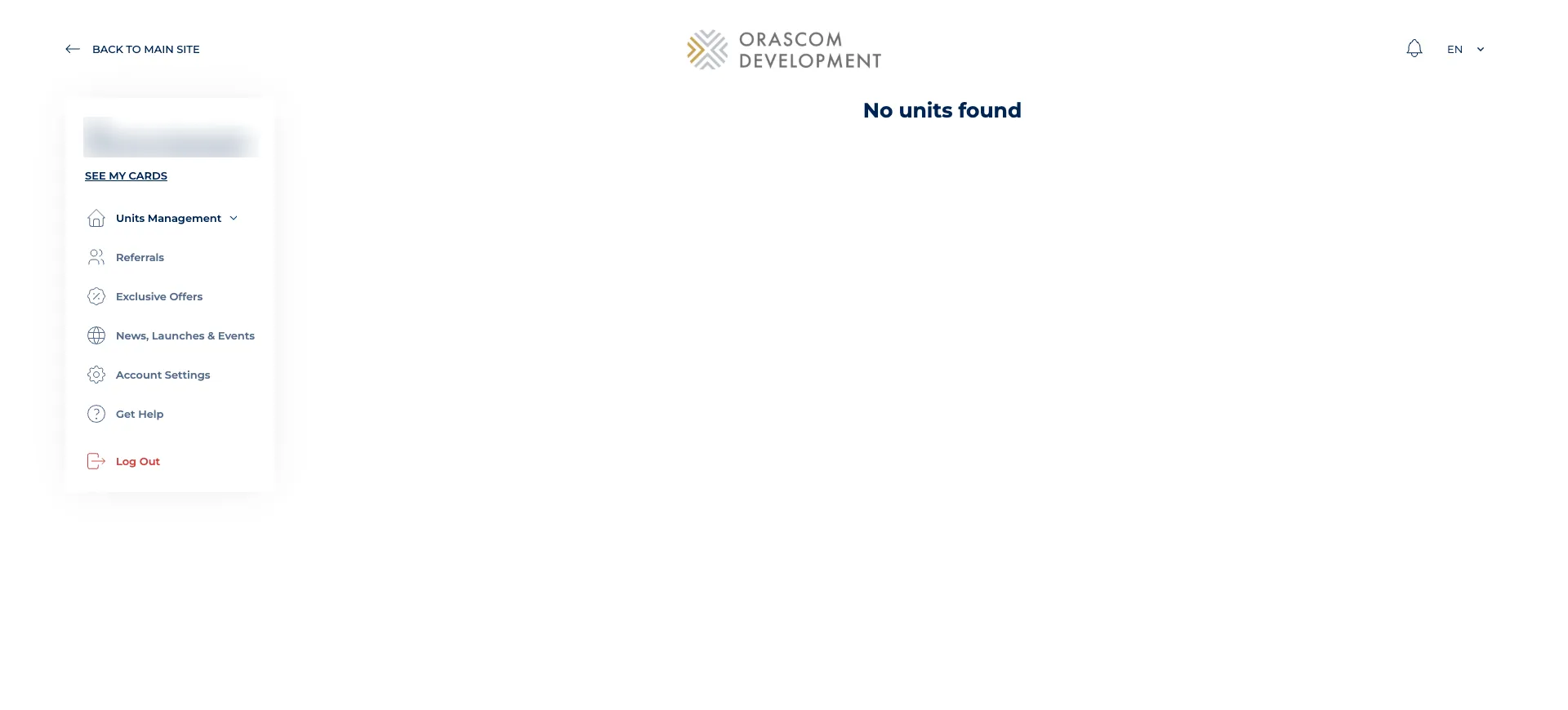
The 17 pre-delivery screens cover:
- Units & contract:
/pre-delivery/units(owned units),/pre-delivery/units/:unitId,/pre-delivery/sign-contract/:unitId. - Payments:
/pre-delivery/payments(schedule across units),/pre-delivery/payments/:unitId(pay an installment). - Services & add-ons:
/pre-delivery/services,/pre-delivery/addons(+/:addonIdand/purchase/:addonId). - Referrals & resale:
/pre-delivery/referrals,/pre-delivery/my-referrals,/pre-delivery/resell-assistance,/pre-delivery/offers. - Owner account:
/pre-delivery/owner-cards,/pre-delivery/settings,/pre-delivery/get-help,/pre-delivery/news.
Content is CMS-driven
Section titled “Content is CMS-driven”Static/marketing pages are served from the Laravel Voyager CMS (there is no separate Payload CMS —
see CMS & content), not hardcoded: /faqs, /about-us,
/privacy-policy, /terms-and-conditions, /news-events, and dynamic /highlights/:pageSlug
(getCustomPage → {shopper prefix}/custom-pages) all pull from the CMS pages / custom-pages
endpoints.